The useful bit
Ask after a completed visit, make the review link easy to use, and keep the request neutral.
Plumber review request templates work best as part of a consistent completion process. If each technician improvises the timing and wording, some customers receive several messages while others never receive a request.
The goal is a simple invitation to share an honest experience. Build a process the office can maintain, then use the examples below as a starting point for your own company voice.
1. Choose a completion trigger the office can trust
Decide which status means the visit is complete and ready for a feedback invitation. A finished service visit is different from an estimate that has only been sent. If a job takes several visits, choose one clear milestone instead of triggering a request after every calendar event.
Give the office a way to see whether a request has already been sent for that job. Check duplicate contact records and shared household numbers before turning on automation. A customer who calls with a follow-up question should reach a person, not receive another review prompt.
2. Ask for the experience, not a particular rating
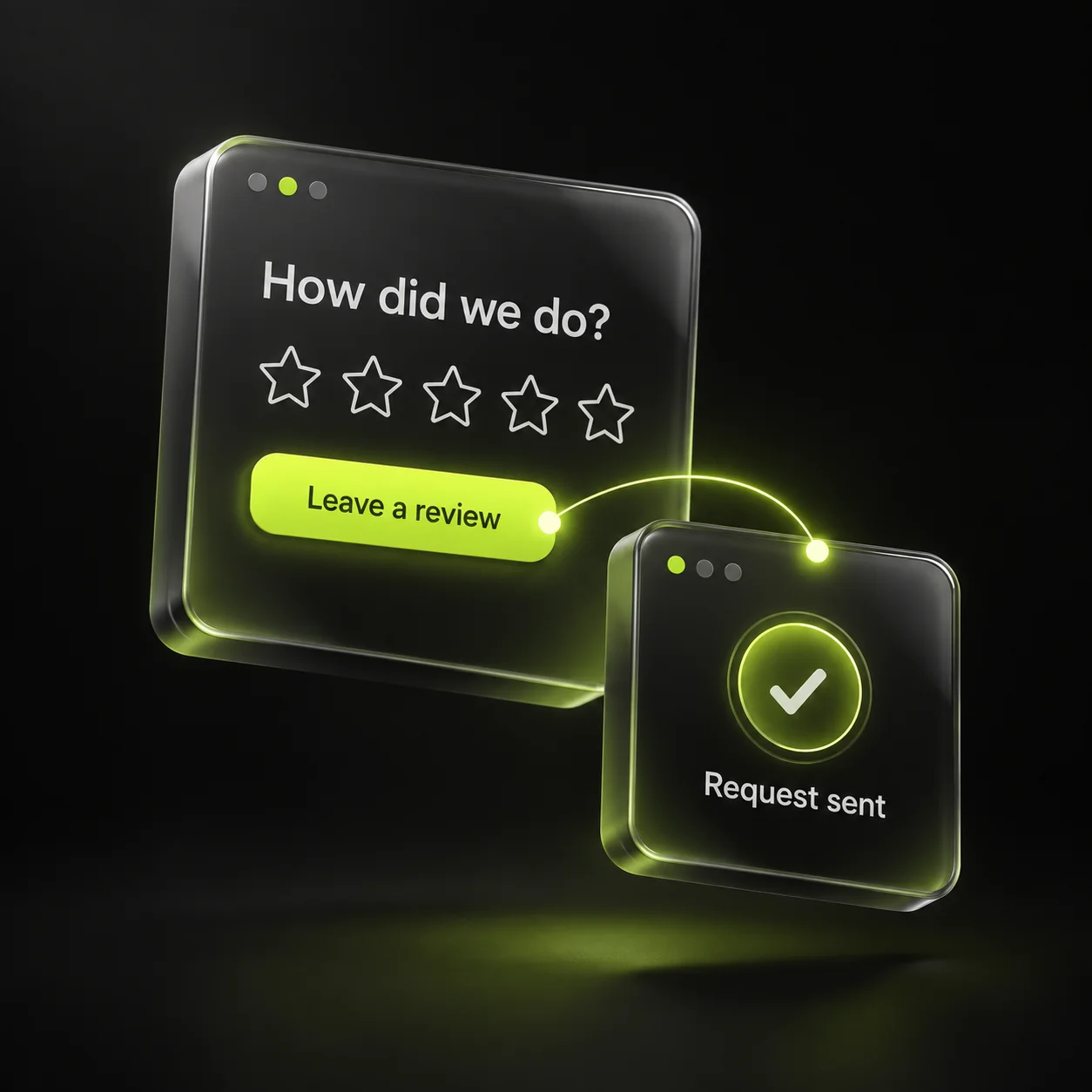
Keep the message short: identify the company, thank the customer, and provide the correct review link. Google permits review links and QR codes but prohibits incentives for posting or changing a review. Use a neutral invitation for customers across the same completion stage.
Avoid language that tells a customer what to write. The most useful feedback describes their actual experience. Do not create a separate path that sends only positive responses to the public review page while diverting negative responses elsewhere.
3. Make the technician’s role easy
Give technicians one sentence they can use at the end of a visit: the office will send an optional feedback link. They do not need to stand over the customer while a review is written or ask to use the customer’s phone.
If you use a printed card, make the business name and destination clear. Test the QR code on more than one phone and confirm it opens the correct business profile. Replace old cards when the destination changes, and keep the office copy of the link in one shared place.
5. Check consistency before increasing reminders
Track completed jobs, invitations sent, duplicate requests, and feedback requiring a reply. Review volume can be useful, but do not set a target that encourages staff to pressure customers. Use the record to spot gaps in your own completion process.
If you choose to send a reminder, keep it limited and stop after a response or a request to stop. Test the workflow with internal contacts before enabling it. Start with a small group of completed jobs, confirm that the links and ownership are correct, and improve the process before expanding.
- One completion trigger per job.
- One current review link.
- A neutral message and an optional request.
- A named owner for customer concerns.
Sources & further reading
The workflows and templates are DYZIGN LABS suggestions. These primary sources support the platform and maintenance guidance referenced above.