The useful bit
Check the service, area, landing page, and office response before treating more ad spend as the next step.
A plumber Google Ads checklist should connect advertising settings to the work your team can deliver. A campaign can generate clicks while the office receives requests for services you do not offer or addresses you cannot reach.
Use this review before starting a campaign or increasing an existing budget. The checks help you identify where the mismatch occurs, without assuming every problem requires a new ad or a larger spend.
1. Start with one service and a clear request
Choose a service that fits available crew capacity. Drain cleaning and water heater replacement involve different questions, so give them distinct ad messages and destinations. List the specific work you want and the related work you do not handle.
For example, a residential repair company may not want commercial installation inquiries. Add that distinction to your planning sheet before choosing keywords. A useful campaign brief includes service, actual coverage, available hours, and the action a customer should take after clicking.
2. Check what your location settings actually mean
Google Ads distinguishes people present in an area from people who have shown interest in it. Review the option used by your campaign rather than assuming a city target restricts every click to a nearby person. Google also notes that location signals are not perfectly accurate.
For a company focused on nearby service visits, evaluate whether presence-based targeting fits the campaign. Confirm the customer’s job location in the inquiry process as well. A prospect can be traveling while arranging work at a local home, so use the service address when deciding whether the job fits.
3. Match the landing page to the ad
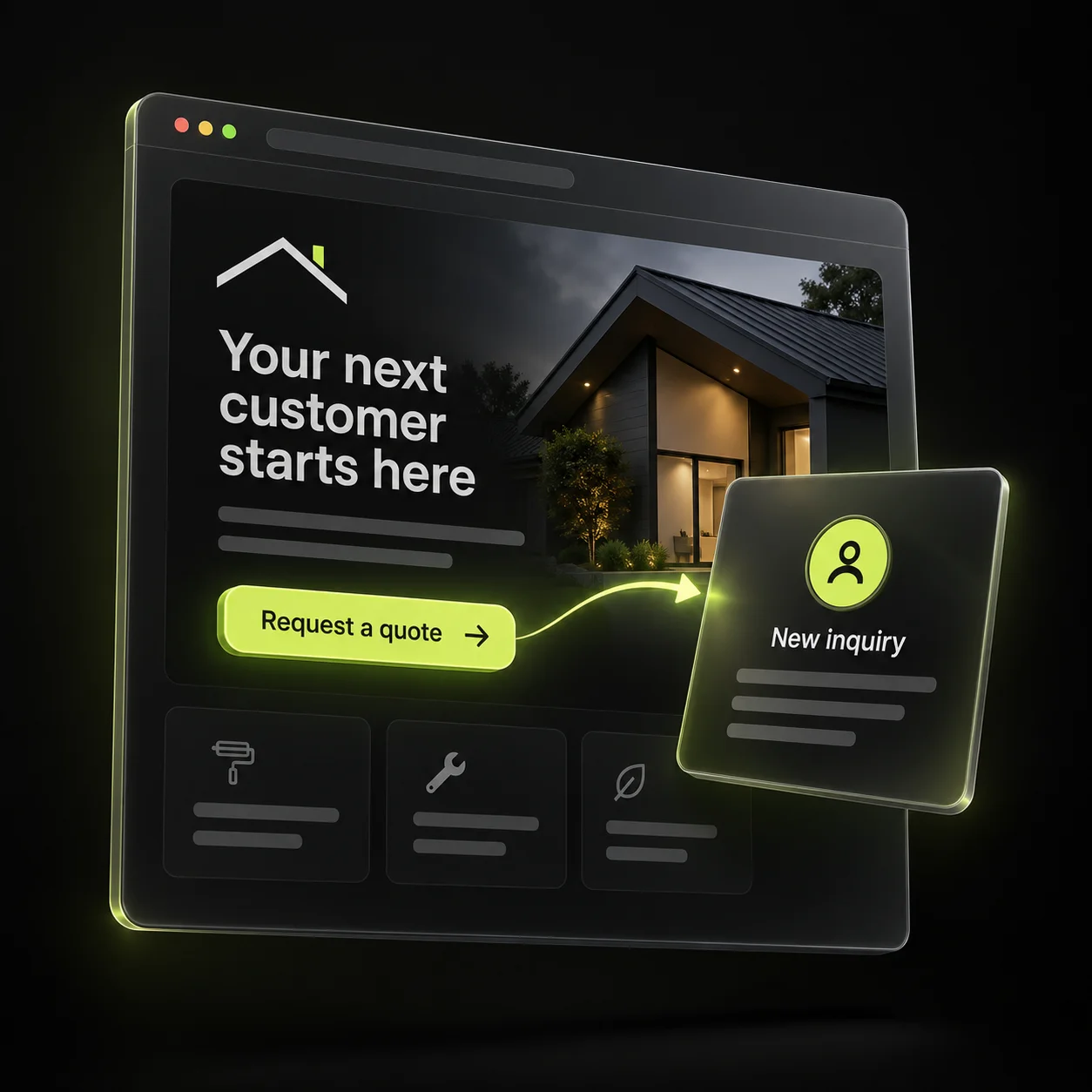
An ad about drain cleaning should open a drain cleaning page. Lead with the relevant service and area, explain the visit process, and show a working call button or request form. Sending every ad to a general homepage makes visitors do extra work.
Check that the ad and page agree about hours, offers, fees, and availability. If the page asks for an estimate request, the confirmation should not say a technician has been booked. Test the page using mobile data as well as office Wi-Fi to catch large files or delayed forms.
- The service in the ad appears clearly on the page.
- The office can honor the stated response window.
- Phone and form actions work on a small screen.
- The request reaches a named team member.
4. Review the searches behind the clicks
Use the search terms report to identify irrelevant queries. Google describes this report as a source of negative keyword ideas. Review context before excluding a word because a broad exclusion can also remove relevant searches.
A search for plumbing jobs may be about employment; a search for a specific repair may be a customer request. Keep a simple change log showing the query, why it was unsuitable, and what you changed. Revisit the results after the change instead of adding exclusions blindly.
5. Connect advertising reports to office outcomes
Track submitted requests and calls separately from confirmed appointments and completed jobs. Have the office label duplicate inquiries, wrong areas, unavailable services, and bookings. Without those outcomes, a low cost per inquiry can look attractive even when the work is a poor fit.
Review a small, consistent reporting period and allow pending inquiries time to progress. If a campaign brings the right requests but few appointments, inspect response and scheduling. If most requests are unsuitable, revisit intent and targeting. Change one major variable at a time so the next review can explain what improved.
Sources & further reading
The workflows and templates are DYZIGN LABS suggestions. These primary sources support the platform and maintenance guidance referenced above.