The useful bit
Use a consistent completion milestone, send one clear invitation, and give customer concerns a real owner.
A roofing review request workflow needs a more precise trigger than “the crew left.” A project may still have a walkthrough, a remaining item, or a customer question that your office needs to address.
Define the completion process first, then connect a neutral feedback invitation to it. The steps below help keep messages consistent without pressuring customers or losing service questions inside an automated sequence.
1. Agree on the completion milestone
Decide which status means the project has reached the stage when your company normally asks for feedback. Use a documented milestone that applies consistently, such as the completed handoff. Do not make eligibility depend on whether you expect a positive rating.
Keep outstanding work and customer concerns visible in the project record. A review request is not a substitute for completing the agreed scope or responding to a question. The office should know who owns both the project handoff and any remaining communication.
2. Check the recipient and the request history
Choose the appropriate project contact and confirm the communication channel they use with your company. If several records refer to the same household and project, resolve duplicates before sending. Avoid a separate review request from every crew member or office contact.
Keep one current link to your business review page. Test it on a phone and confirm the destination. If you use a QR card at handoff, make the company identity clear and give the customer space to decide whether to use it.
3. Keep the invitation neutral and optional
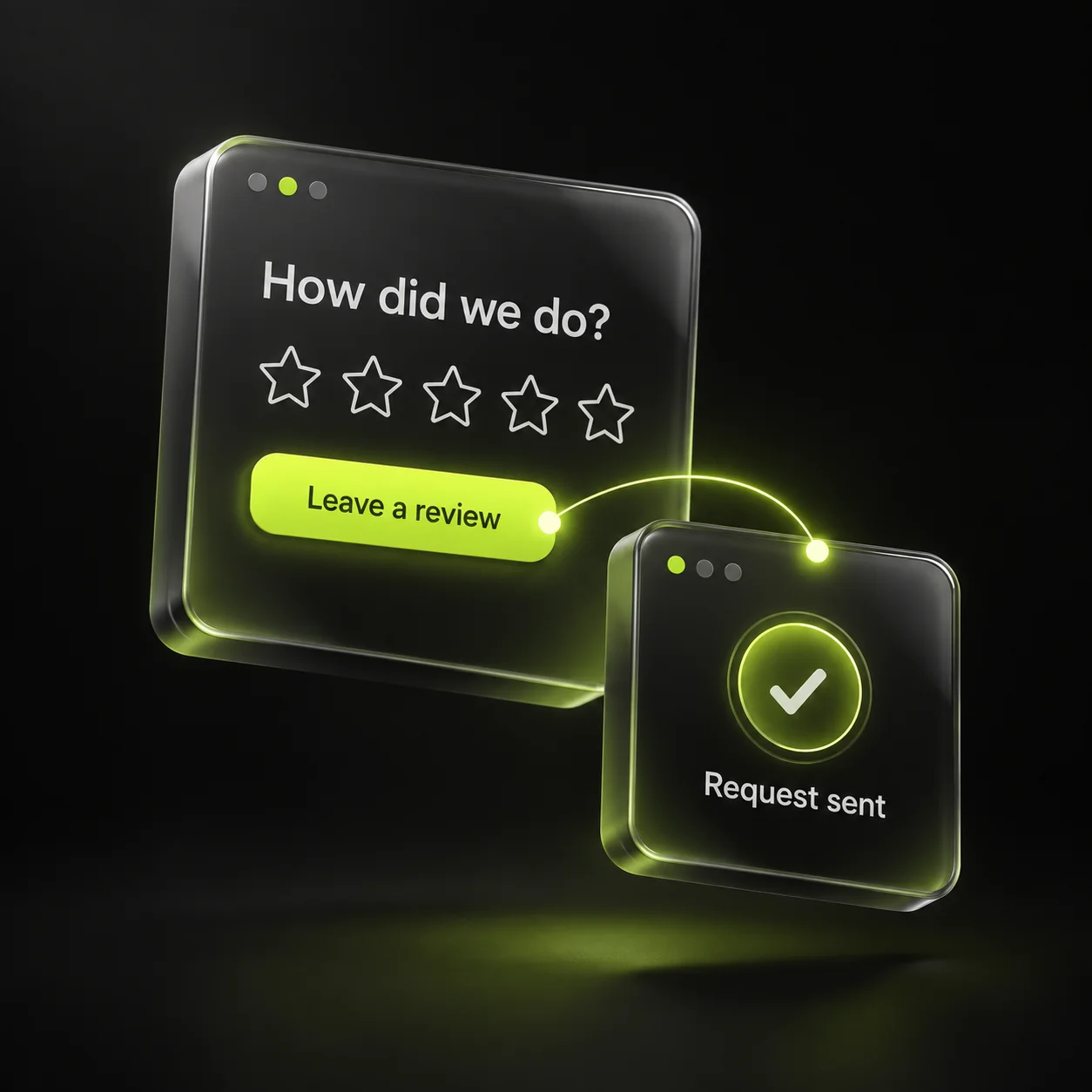
Thank the customer and invite an honest account of the experience. Google prohibits incentives for posting or changing reviews. Do not offer a gift, discount, or service benefit in exchange for a rating, and do not tell the customer which rating to select.
Use the same general process across completed projects. Avoid a survey that sends only positive respondents to the public review page. Feedback should help prospective customers understand real experiences, not present a filtered version of them.
4. Separate public replies from project resolution
Assign someone to monitor incoming feedback and route service questions to the right project owner. A public response can acknowledge a concern and offer a direct contact. Keep property details, documents, and the specifics of a dispute out of the public exchange.
Create a task for any action promised in the reply. Marking a review “answered” should not close a customer issue that still needs work. The team should be able to see both the communication and the operational next step.
5. Audit the workflow with recent projects
Review a small group of completed projects and compare the handoff date, request date, recipient, and any duplicate messages. Look for missing invitations or reminders that continued after a response. Correct the workflow before increasing the volume.
Use feedback themes to improve your own process. If customers repeatedly mention uncertainty about cleanup or scheduling, clarify those topics during the project and in your website content. Keep review metrics separate from project completion and customer issue resolution so a dashboard does not hide unfinished work.
- A consistent completion milestone.
- One request history per project.
- A neutral invitation and current link.
- A named owner for follow-up concerns.
Sources & further reading
The workflows and templates are DYZIGN LABS suggestions. These primary sources support the platform and maintenance guidance referenced above.