The useful bit
Every estimate needs a clear explanation, a named owner, an agreed next contact, and a reason to stop following up.
Sending a roofing estimate is the beginning of a decision, not the end of a sales process. A homeowner may be comparing scopes, coordinating schedules, or trying to understand what is included. Repeatedly asking “any update?” rarely helps them resolve those questions.
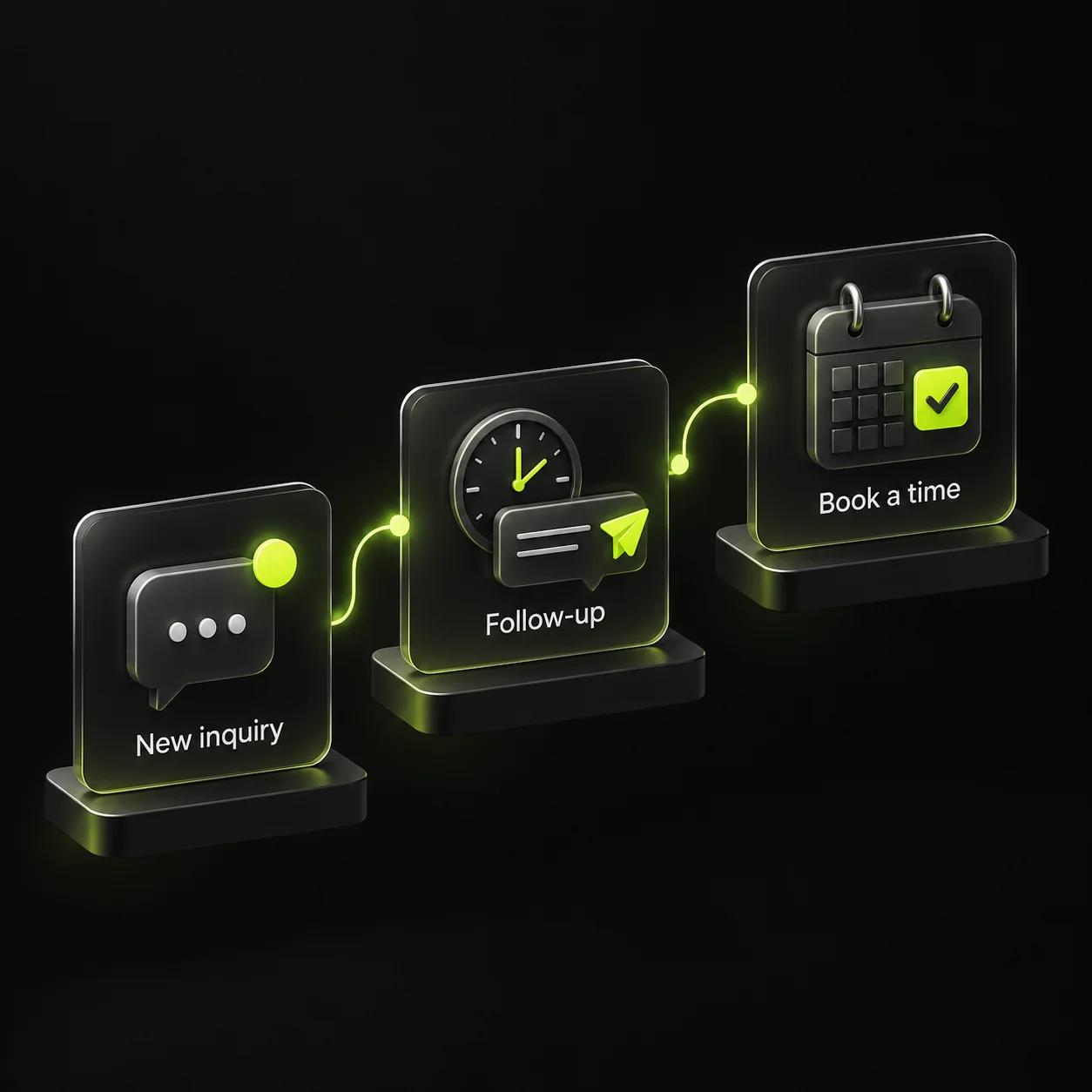
Build your follow-up around the decision the customer is trying to make. The sample sequence below is a starting point you can adjust to the timing agreed with the homeowner. It is not a universal schedule or a promise that more messages will produce a sale.
1. Set the next step before you send the estimate
During the assessment conversation, ask how the homeowner wants to receive the proposal and when they expect to review it. Confirm the best person to contact and whether anyone else needs to be involved in the decision. Agree on a follow-up time when possible.
Explain what the proposal will cover: the specific work, materials, included preparation and cleanup, exclusions, scheduling assumptions, and any actual expiration date. Your estimator should own the accuracy of these details. Follow-up cannot repair an unclear scope by itself.
Before sending, check the customer name, property, attachment, and version. Record the date and the next contact in your system. A copy of the estimate in someone’s sent folder is not a shared follow-up process.
- Confirm the recipient and preferred channel.
- Check scope, exclusions, and estimate version.
- Assign one estimate owner.
- Record the agreed review date and next action.
2. On delivery, explain what to review
Use the delivery message to orient the customer. Point them toward the scope and any choices that require an answer. Keep the message short enough to read on a phone, and make it easy to reply to a real person.
Do not treat an email open or a document view as proof that the homeowner has reviewed the estimate. Ask for confirmation if delivery is uncertain. If the proposal changes, clearly label the new version and explain what changed so two different totals do not circulate.
3. At the first follow-up, remove one point of confusion
If no date was agreed, a check-in after a few business days can be a reasonable starting experiment. Adjust it to the project’s urgency and the customer’s stated plans. Ask a specific question about scope, timing, or a choice in the proposal instead of pushing for an immediate signature.
When someone replies, stop automated nudges and let the estimate owner handle the conversation. If the question needs a revised scope, create a new task rather than leaving the record in a generic “follow-up” stage. Avoid sending a reminder while another team member is already discussing the estimate.
4. Respect the homeowner’s decision window
A later follow-up should help clarify timing. If the homeowner says they are revisiting the project next month, set that date and pause the current sequence. If they chose another contractor, record the outcome and stop the sales reminders.
Do not invent a material shortage, price increase, or deadline. If a genuine constraint exists, describe it accurately and explain how it affects the proposal. Do not promise insurance coverage or describe an estimate as an approval from another party.
For a contact who has gone quiet, send one courteous close-out message after your planned check-ins. Leaving a door open is different from continuing an indefinite automated sequence. Respect their communication preferences and any request to stop.
5. Give the workflow clear stages and stop rules
Use stages that describe something observable: assessment scheduled, estimate sent, questions in progress, decision pending, accepted, declined, or postponed. “Hot lead” is less useful because different team members may interpret it differently.
Each open record needs a next action, due date, and owner. A postponed project needs a reason and a future date. A declined project needs an outcome, not another reminder. Stop or pause automation for replies, acceptance, opt-outs, bounced messages, and manual changes that make the sequence irrelevant.
Keep promotional broadcasts separate from estimate conversations. Use permission-based communication and avoid moving a one-time estimate request into an unrelated marketing sequence by default. Test the stop rules with internal contacts before enabling the workflow for customers.
6. Review estimates by outcome, not message count
Track estimates sent, replies, accepted proposals, declined proposals, postponed decisions, and completed jobs separately. Measure acceptance for a consistent group, such as estimates sent in the same month, and allow time for open decisions before comparing results.
For example, eight accepted estimates out of 20 sent is 40%, but that figure is incomplete if another eight are still undecided. Show pending decisions beside the rate. These numbers are an example of reporting, not a roofing industry benchmark.
Review the most common unanswered questions. If homeowners repeatedly ask about cleanup, explain cleanup better in the estimate and on your website. Google’s helpful-content guidance supports answering real audience questions; your own estimate conversations are a useful place to identify those questions.
Sources & further reading
The workflows and templates are DYZIGN LABS suggestions. These primary sources support the platform and maintenance guidance referenced above.