The useful bit
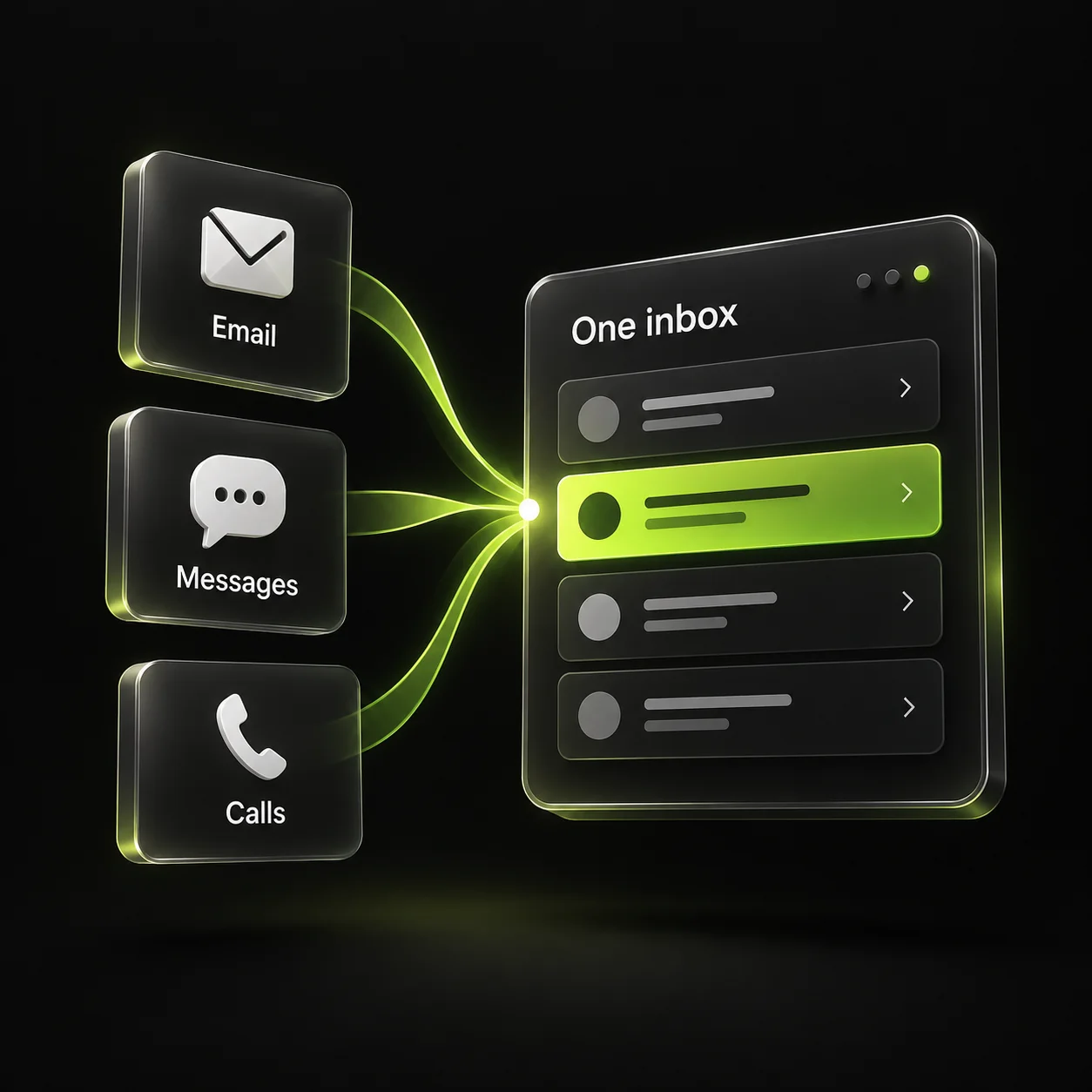
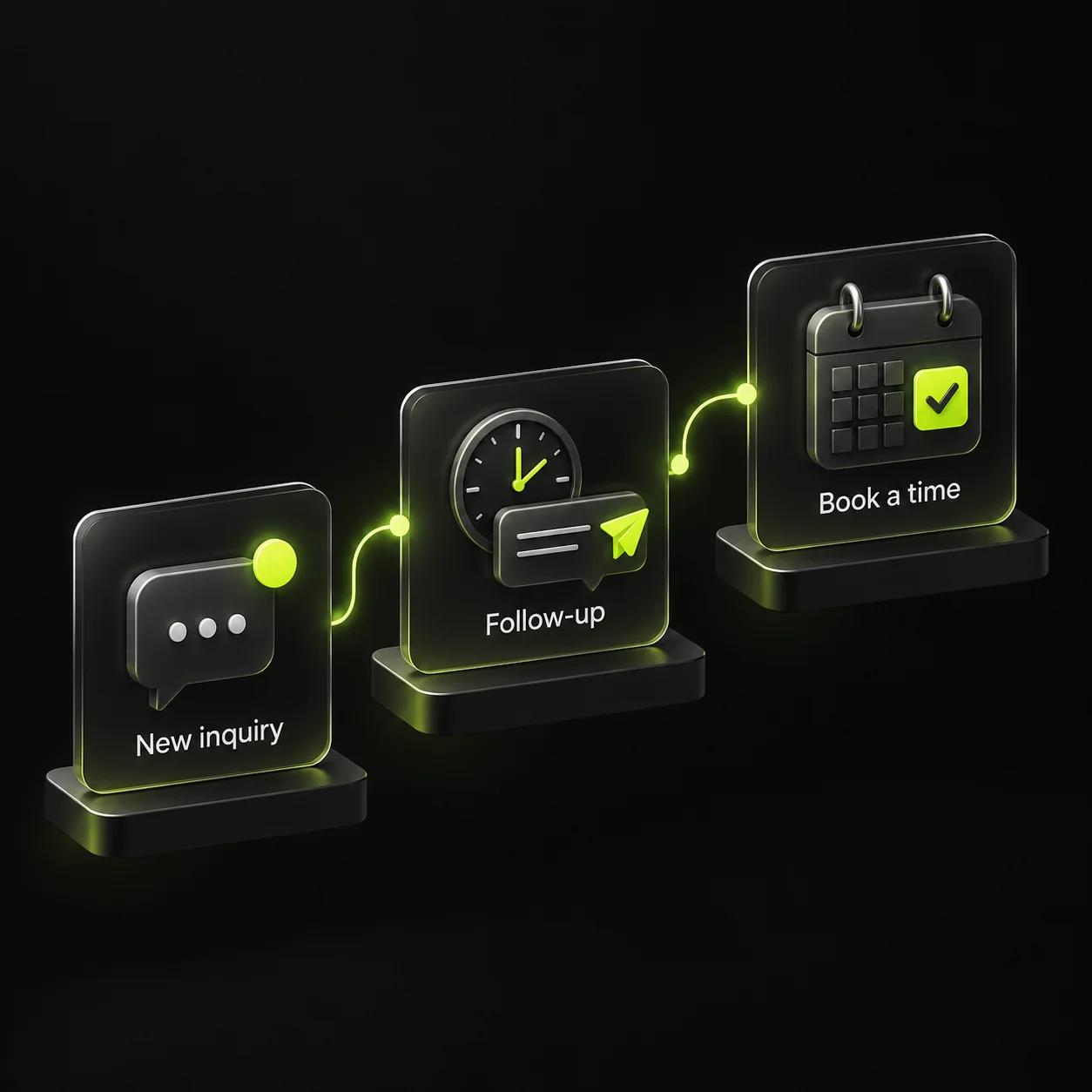
Give every inquiry a stage, an owner, and a next action, then separate sales follow-up from active service.
A landscaping CRM workflow should make it obvious what happens next for each customer. If a contact is labeled only “new lead,” the estimator and crew scheduler may both assume the other person is handling it.
You can start with a spreadsheet or your existing software. Define the stages and ownership first, then automate only the steps the team understands and can maintain.
1. Use stages that describe something observable
Start with inquiry received, contact made, assessment needed, estimate sent, decision pending, accepted, and closed. Use a postponed status only when you record a reason and a future action. Avoid vague labels such as “warm” that mean different things to different people.
Keep the service type and property area visible beside the stage. A maintenance inquiry and an installation project may share an intake process but need different estimating and scheduling steps. Use those facts to route the work instead of creating a separate disconnected contact list for every service.
- Current stage.
- Service and property area.
- Named owner.
- Next action and due date.
- Outcome when the conversation closes.
2. Keep estimate preparation separate from follow-up
When an assessment is needed, assign it and record the expected next step. Once an estimate is sent, record the version and the agreed follow-up timing. A quote that is still being prepared should not receive the same reminder as one already awaiting a decision.
If the customer asks for a change, create a revision task and pause the generic reminder sequence. Keep the new scope connected to the earlier conversation so the office does not accidentally discuss an outdated quote.
3. Make acceptance a real handoff to scheduling
When the customer accepts, confirm the scope and agreed terms through your normal process before scheduling work. Assign the handoff to the person responsible for crew availability. An accepted estimate and a confirmed start date are different stages.
For recurring service, record the agreed frequency, service details, and customer communication preferences. Keep those operational details available to the team that will manage the visits. Stop sales reminders once the relationship moves into active service.
4. Automate small, reversible steps
Start with an internal notification for a new inquiry or a reminder that a promised callback is due. Add customer-facing messages only after the team agrees on timing, wording, and stop rules. Test with internal contacts before enabling the workflow.
Pause automation on replies, acceptance, declines, and requests to stop. Handle duplicate records so one property does not receive conflicting messages. Make it easy for a team member to take over a conversation without fighting a sequence that continues in the background.
5. Review the queue with the people doing the work
Each week, look for unassigned inquiries, overdue estimates, promised revisions, and accepted work awaiting scheduling. Decide the next action for each item. A tidy dashboard is not enough if the crew scheduler still lacks the information needed to confirm the job.
If you use Google Analytics to count successful form submissions, reconcile that activity with received inquiries rather than treating it as booked work. Track accepted projects and recurring customers in the operational system. Use the differences to identify a broken handoff, duplicate count, or missing response before generating more demand.
Sources & further reading
The workflows and templates are DYZIGN LABS suggestions. These primary sources support the platform and maintenance guidance referenced above.