The useful bit
Identify the request, set an honest expectation, and assign a person before sending more reminders.
An HVAC lead response workflow should help an office make sense of a busy day. Repair requests, maintenance visits, and replacement estimates can all arrive within minutes, but they do not belong in the same scheduling queue.
A good acknowledgment buys clarity, not a guaranteed appointment. Use this workflow to collect the facts, route the request, and make sure the customer knows what is actually happening.
1. Sort requests by the work being discussed
Use a small set of categories: repair, routine maintenance, replacement discussion, and existing-job question. Let customers choose “not sure” if necessary. Your team can clarify the category without expecting a homeowner to diagnose the equipment.
Record the service area, contact method, and a short description in the customer’s own words. Do not make troubleshooting instructions part of an automated marketing reply. Questions about safety or equipment operation should be handled through your established service procedures and trained staff.
2. Say when a person will respond
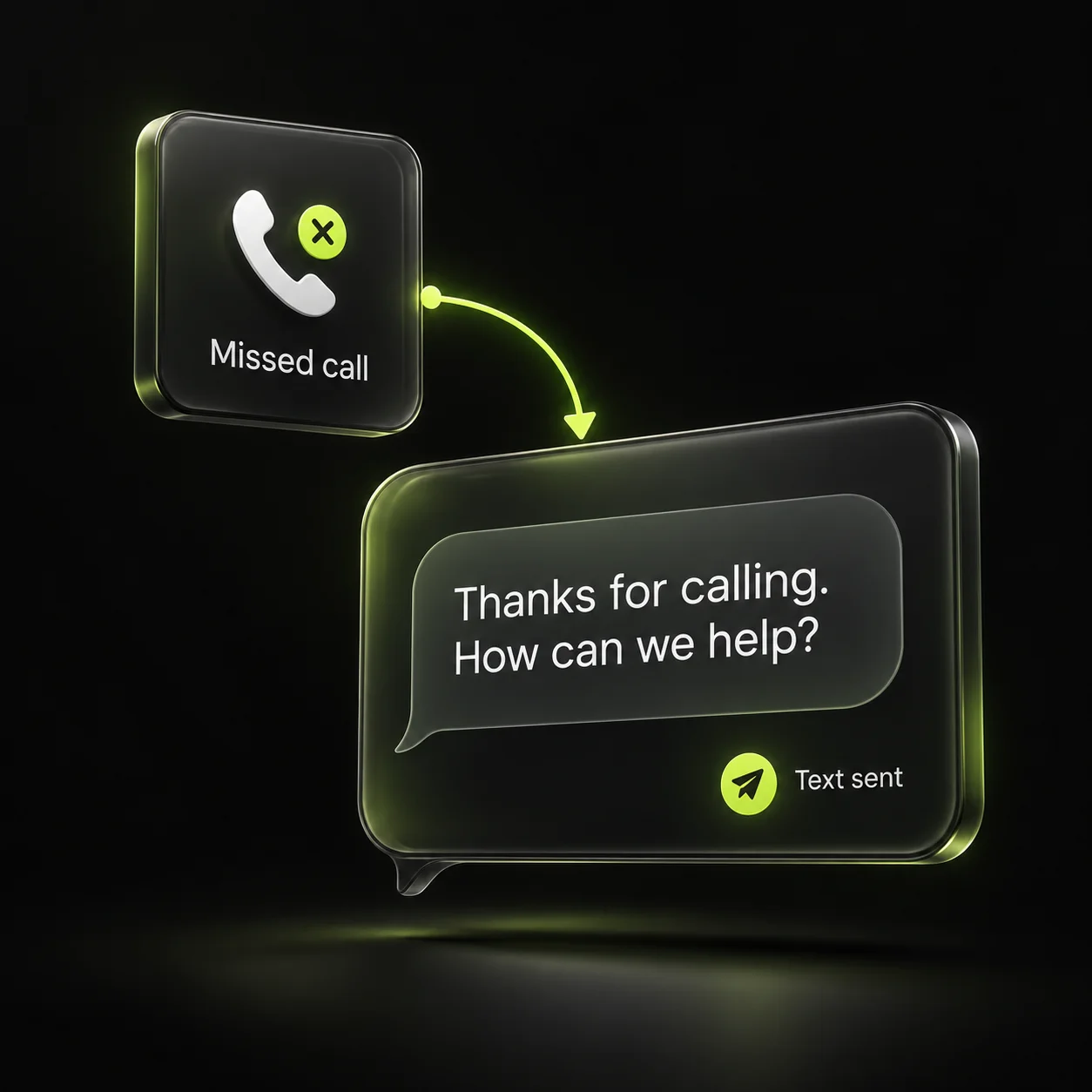
An acknowledgment should identify the company and explain the next step. If it is outside office hours, say when the team will review the request. Only describe a slot as available when the scheduling system and dispatch team can support it.
Keep the status labels precise. “Received” means the inquiry arrived. “Assigned” means someone owns it. “Confirmed” means the appointment has actually been agreed. A message saying “we have you covered” can blur those stages and create a promise your office never intended.
3. Assign one person and one next action
Give each new request an owner even if the eventual technician is not known yet. The owner is responsible for moving the conversation to its next step, which might be a callback, a scheduling decision, or a handoff to an estimator.
Use an internal due time based on the response window your office can realistically meet. If the owner becomes unavailable, reassign the task visibly. A shared inbox helps only when the team can distinguish “someone has seen this” from “someone is taking responsibility.”
4. Stop automation when a real conversation starts
Pause reminder sequences when a customer replies, books, declines, or requests no further contact. Keep appointment confirmations separate from promotional messages. Review duplicate contacts so a homeowner does not receive two different responses to one request.
Test an inquiry that turns into an appointment and another that cannot be served. Both should reach a clear end state. A lead outside the service area should not remain in an active booking sequence, and a confirmed customer should not keep receiving “ready to schedule?” messages.
- Reply received: hand the conversation to a person.
- Appointment confirmed: stop acquisition reminders.
- Outside coverage: explain and close the request.
- Customer declines: record the outcome and stop.
5. Review the queue before adding more demand
At the end of each day, check unassigned inquiries, promised callbacks, and pending scheduling decisions. Count contacted prospects and confirmed appointments separately. If you measure a website form as a Google Analytics key event, keep that event separate from the office’s booking record.
Look at the oldest open items with the dispatcher. Decide whether each needs a callback, a revised expectation, or closure. Fix the most common bottleneck before expanding ads or campaigns. A larger queue does not help if the same unanswered questions continue to slow the team down.
Sources & further reading
The workflows and templates are DYZIGN LABS suggestions. These primary sources support the platform and maintenance guidance referenced above.