The useful bit
A useful reminder states the agreed visit details and gives the customer an easy way to correct them.
HVAC appointment reminder templates should reduce uncertainty about an upcoming visit. A reminder that only says “see you tomorrow” leaves the customer to wonder about the time window, address, and best way to request a change.
Start with accurate appointment data and a monitored reply channel. Then use the messages below to make the next action obvious for both the customer and the office.
1. Send reminders only for confirmed appointments
Define which calendar status is eligible for a reminder. A request awaiting approval should receive an acknowledgment, not a visit reminder. Pull the customer name, service location, date, and agreed arrival window from the current appointment record.
Check how rescheduling affects queued messages. When the office moves a visit, the previous reminder should be canceled or updated. Test that behavior with an internal appointment before enabling the sequence. Two reminders with different dates can create more work than no reminder at all.
2. Include the details a customer needs
Use the same arrival-window language your dispatch team uses. If you provide a window rather than an exact time, do not turn it into a precise arrival promise in the automated message. Add only preparation instructions that your team has approved for that visit type.
Keep the message focused on the existing appointment. A repair visit reminder is not the place to introduce a maintenance promotion. Confirm access details privately with the customer, and avoid putting sensitive property information into a generic message template.
3. Choose a reminder schedule your office can support
A confirmation at booking and a reminder before the visit are a reasonable starting design. The exact timing should reflect your scheduling process and the customer’s communication preferences. Avoid sending several reminders simply because the software allows it.
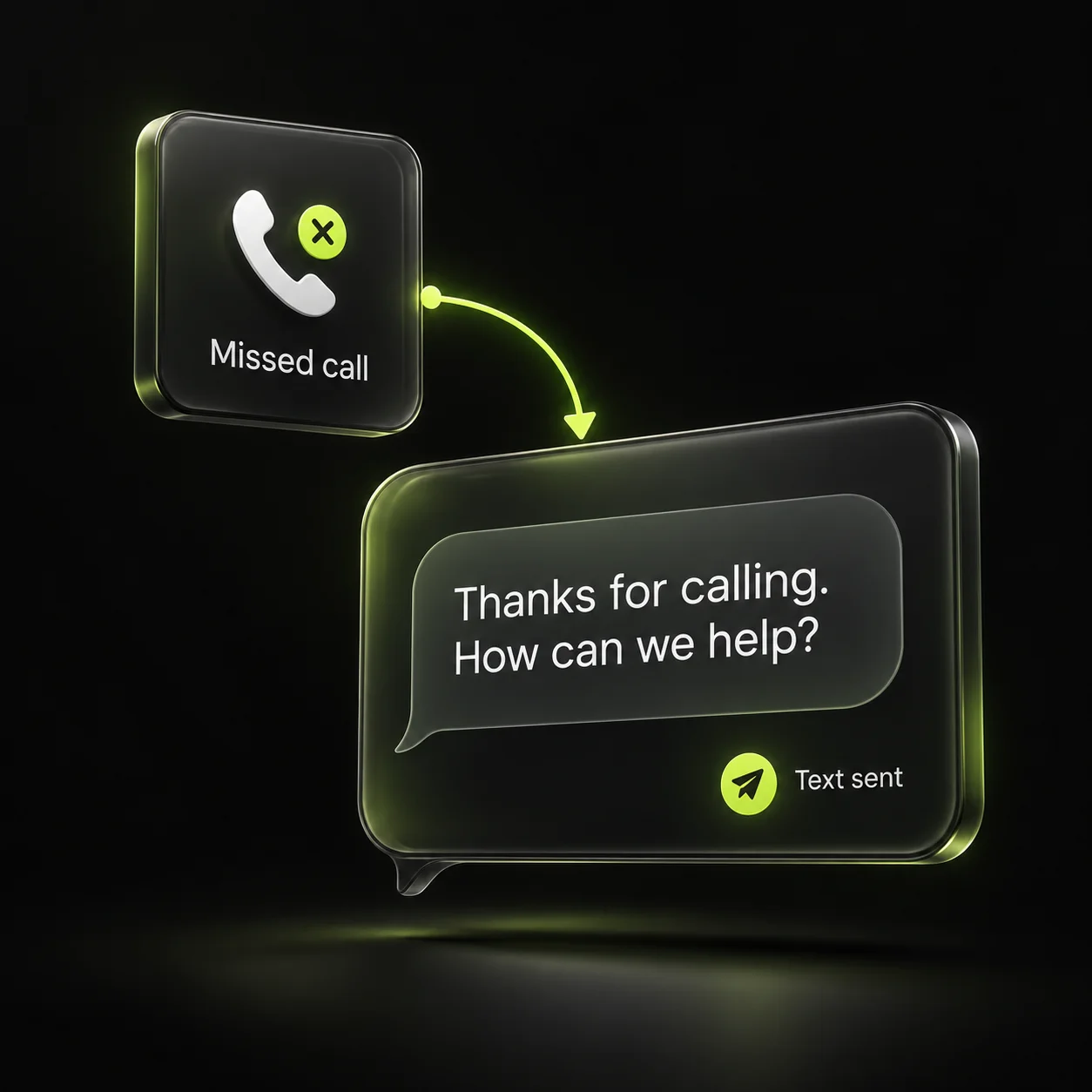
If reminders invite replies, send them when the office has a plan for handling those replies. A request to move tomorrow’s visit should create a visible task. It should not disappear into an unattended inbox overnight.
4. Make rescheduling a conversation with a clear result
When a customer requests a different time, mark the change as pending until someone confirms it. Do not automatically tell them the visit has moved if the new slot has not been approved. Make the final confirmation the authoritative version of the appointment.
If your crew is delayed, use the same communication channel to give an accurate update. Avoid reassuring language that hides uncertainty. A realistic revised window and a contact option are more useful than an unexplained “on our way” message.
- The reply reaches a monitored inbox.
- A reschedule request has an owner.
- Old reminders stop when the visit changes.
- The customer receives a final confirmed update.
5. Use customer replies to improve the instructions
Review the questions customers send after receiving reminders. If several ask whether they need to be home, add your actual policy to the relevant visit confirmation. If access is repeatedly unclear, collect that information during booking rather than adding a long generic paragraph.
For maintenance education, link to a useful source separately from the scheduling message. ENERGY STAR recommends professional pre-season checkups; that context can help explain a planned maintenance visit without making unsupported promises about a specific home. Keep operational reminders brief and reserve longer explanations for your service page.
Sources & further reading
The workflows and templates are DYZIGN LABS suggestions. These primary sources support the platform and maintenance guidance referenced above.