The useful bit
Explain the assessment and estimate process without asking homeowners to make technical judgments.
An EV charger installation landing page should help an interested homeowner understand how to start a project with your electrical business. The page does not need to teach installation or promise that every property will need the same work.
Use the checklist below to explain your service area, assessment process, and estimate request. Keep technical decisions with the qualified team that will review the property.
1. State what kind of projects you handle
Explain whether you work on residential installations, commercial projects, or both. Make your coverage area visible and describe how a prospect requests an assessment. If different teams handle homes and commercial sites, give each request a clear path.
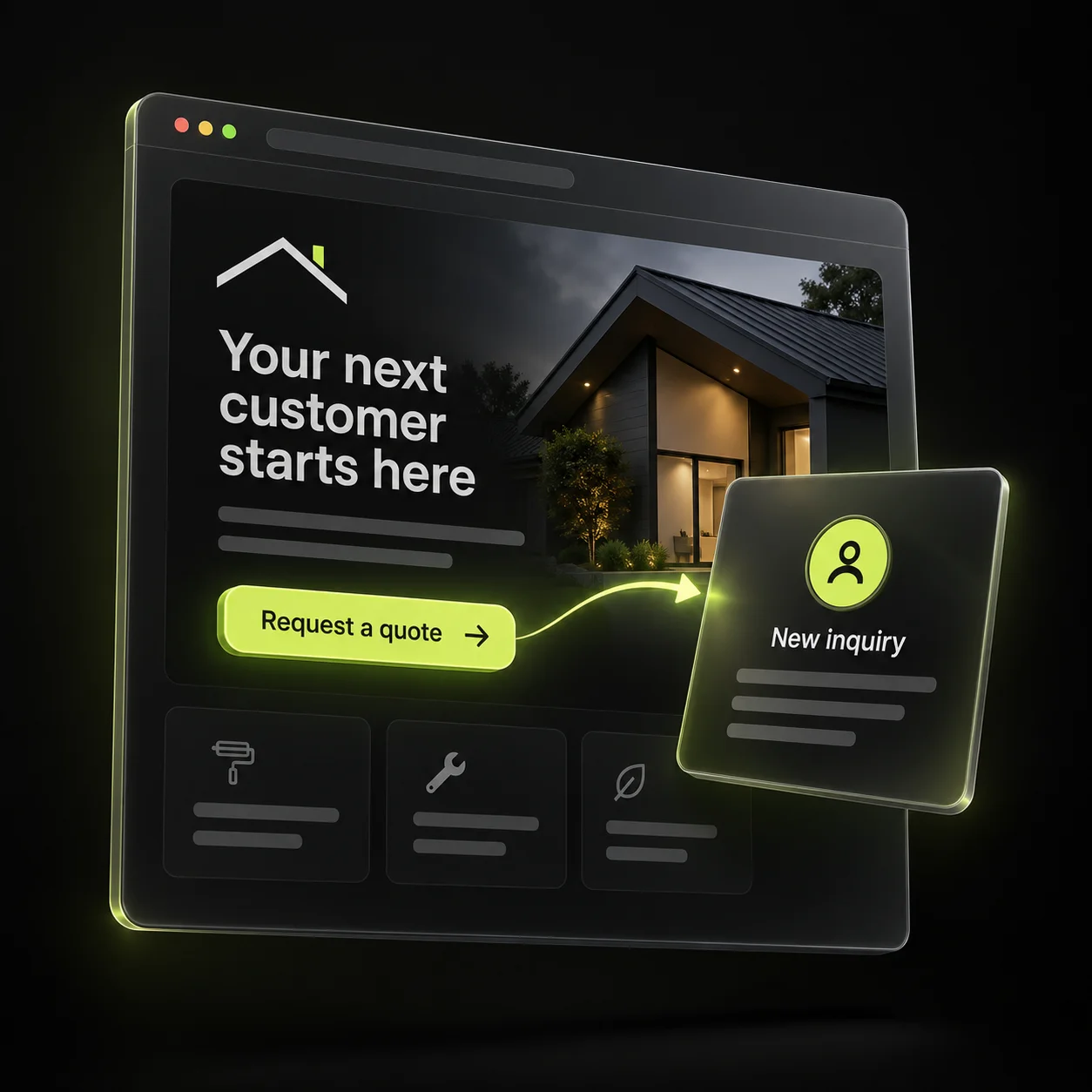
Use a headline such as “Home EV charger installation in [area]” only if that accurately describes the service. Avoid a broad promise of instant installation when scheduling depends on a review. The first screen should answer who the page is for and what happens next.
2. Explain the steps before the estimate
Describe your actual sequence: initial inquiry, project discussion, qualified assessment, written estimate, and confirmed scheduling. Explain which stages require a visit and which can start remotely, based on how your business operates.
Ask customers for information they already know, such as property location, parking arrangement, and whether they have selected a charger. Include a “not sure yet” option. Do not ask someone to open electrical equipment, inspect wiring, or perform technical checks to complete a marketing form.
- Property location and residential or commercial use.
- Preferred contact method.
- General parking location.
- Charger selected, or help needed choosing the next step.
3. Show relevant work and explain scope
Use actual project images with permission and a short description of what your team delivered. Keep the description factual: project type, customer goal, and the work included. Avoid showing identifying property details unnecessarily.
Explain that scope depends on assessment rather than presenting a sample project as a universal quote. If you mention credentials, make sure they are current and belong to your business. Do not add a badge or manufacturer relationship that has not been established.
4. Answer the questions your office receives
Collect recurring questions about the estimate process, scheduling, equipment selection, and who confirms the project details. Answer each in plain language. If a question depends on the property, explain how your team resolves it rather than giving a blanket answer.
Google’s helpful-content guidance favors useful information for an intended audience. Apply that idea by writing from real inquiry questions. Avoid filling the page with repeated city names or broad claims about being the best electrician. A customer should leave knowing how your process works.
5. Test the page as an unfamiliar visitor
Open the page on a phone and complete a labeled internal inquiry. Confirm that the request reaches the correct team and that the acknowledgment matches what the form actually does. An assessment request should not appear as a confirmed installation in your system.
Review the next set of inquiries for missing information. If the office keeps asking whether the property is commercial, add that simple choice to the form. If people expect a fixed price before assessment, clarify the page. Improve one recurring point of confusion before expanding traffic to it.
Sources & further reading
The workflows and templates are DYZIGN LABS suggestions. These primary sources support the platform and maintenance guidance referenced above.